Download NetherSX2 Latest Version 2026
What Is NetherSX2?
NetherSX2 is a free, community-developed Android PS2 emulator project based on patches for AetherSX2, which brought PCSX2-based PlayStation 2 emulation to Android devices.
Because development on the original AetherSX2 stopped and later versions added intrusive ads, NetherSX2 was created to clean up the code, remove ads, and provide a polished, high-performance emulation experience.
Dowload and play PS2 games like GTA San Andreas, God of War II, Tekken 5, and Bully on your phone, with customizable controls and graphics settings. You’ll need compatible PS2 game files and a legally obtained BIOS to get started.
| Detail | Info |
|---|---|
| Name | NetherSX2 |
| Version | V2.0 |
| Genre | PS2 Android Emulator |
| Device Requirement | Android 8+ |
| File Size | ~17 MB |
| Ratings | 4.8/5 |
| Last Update | Varies by build |
NetherSX2 All Builds for Android
Since its initial release in August 2023, NetherSX2 has evolved through multiple versions and builds based on AetherSX2’s native versions 3668 (Classic) and 4248 (Patch). Community developers continue to refine compatibility, improve features, and enhance PS2 gaming performance on Android devices. You can find the available releases and updates on the NetherSX2-patch GitHub page.
NetherSX2 Patch
NetherSX2 Classic
Features of NetherSX2 emulator
Ad-Free Experience
Removes all the intrusive advertisements, pop-ups, and forced monetization updates that were added to the final official builds of AetherSX2.
Performance Enhancements
Retains the high-performance emulation engine of AetherSX2 while offering bug fixes, stability improvements, and smoother gameplay.
Controls & Customization
Full support for customizable on-screen touch controls, Bluetooth and USB gamepads with automatic button mapping.
Graphics Rendering Backends
Supports hardware-accelerated rendering using Vulkan, OpenGL, and Software modes.
Widescreen Patches
Includes options or community patches to force older 4:3 aspect ratio games to run in widescreen (16:9).
HD Texture Packs
Supports loading and managing community-made high-definition custom texture replacements.
Save & Load States
ets you instantly save or load your game progress at any point without relying on in-game memory cards.
Built-In Cheat Engine
Supports cheat codes (such as Action Replay, CodeBreaker, and GameShark) via a built-in patch system.
Per-Game Settings
Allows you to customize emulator settings, controller layouts, and performance tweaks on a game-by-game basis.
Requirements for NetherSX2 Emulator
| Specification | Minimum Requirements |
|---|---|
| CPU | Snapdragon 845 or equivalent |
| GPU | Adreno 630 or equivalent |
| RAM | 4 GB |
| Android Version | Android 8.0 or newer |
| Storage | 2–4 GB free space |
How to Download and Install NetherSX2?
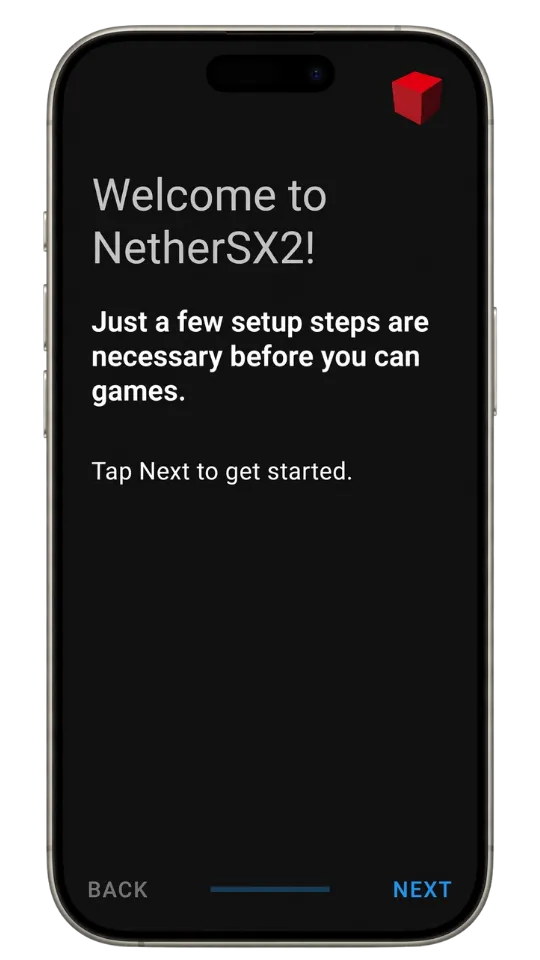
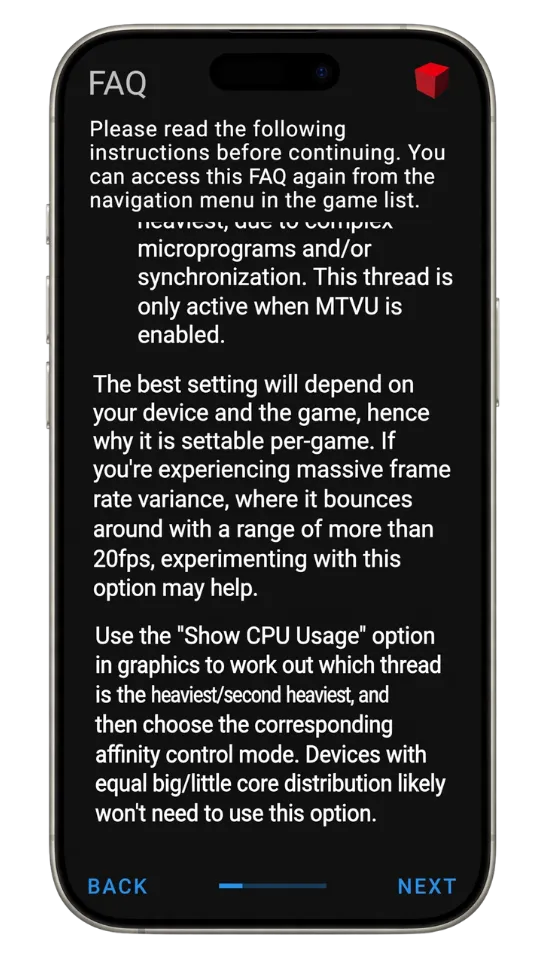
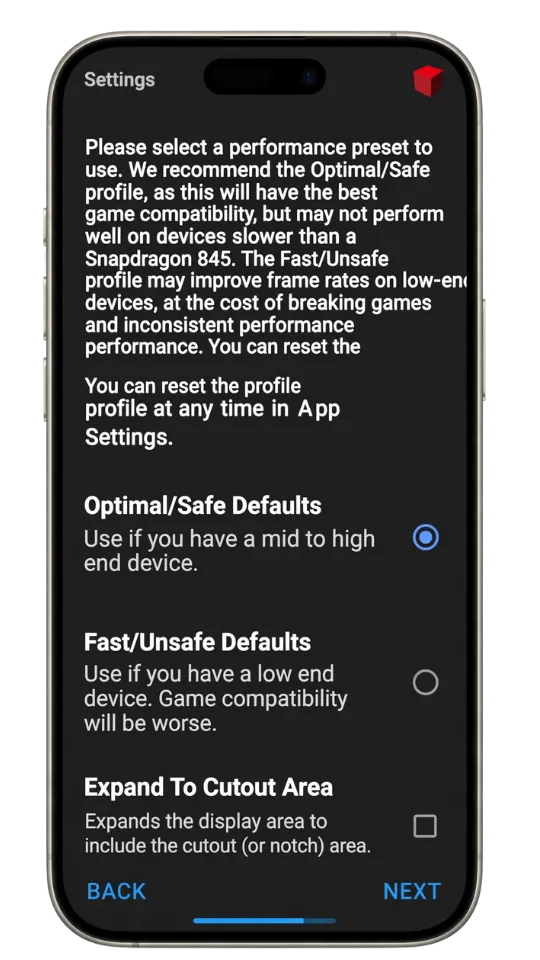
Installing NetherSX2 on Android is relatively simple. Follow these steps:
- Download the NetherSX2 APK: Find the latest NetherSX2 APK from a reputable and trustworthy source. Downloading the newest version can provide the latest fixes and improvements.
- Allow APK Installation: Open your phone’s Settings and go to Security, Privacy, or Install Unknown Apps, depending on your device. Allow your browser or file manager to install APK files.
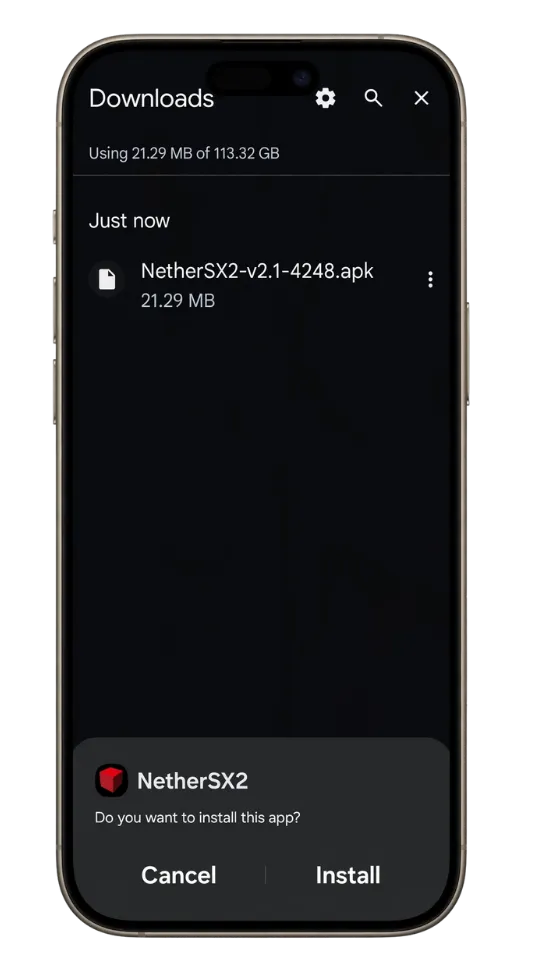
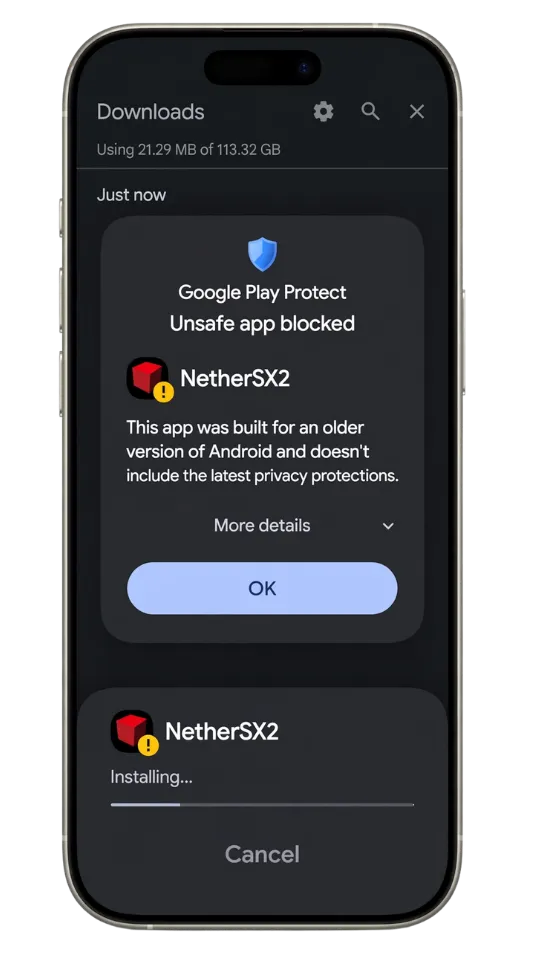
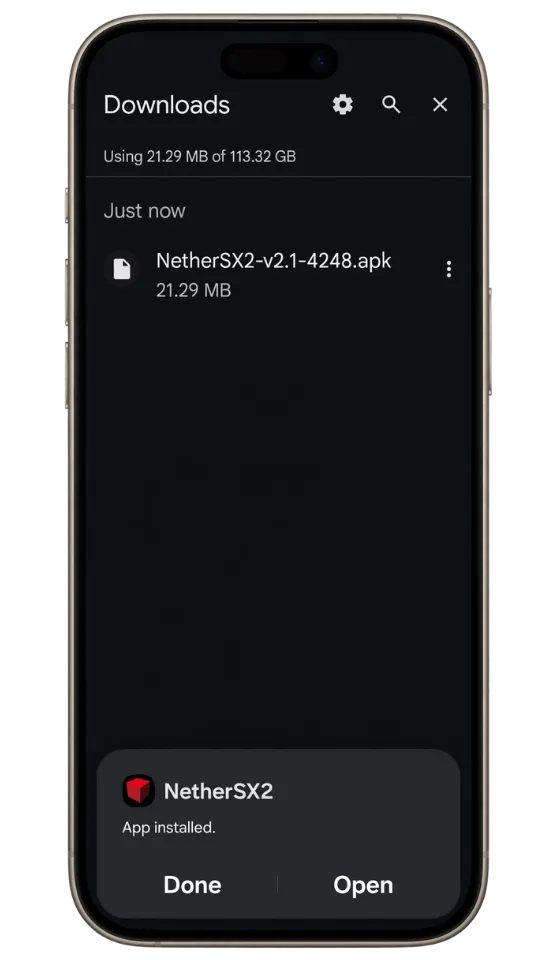
- Install NetherSX2: Open your file manager and go to the Downloads folder. Tap the NetherSX2 APK and follow the on-screen instructions to complete the installation.
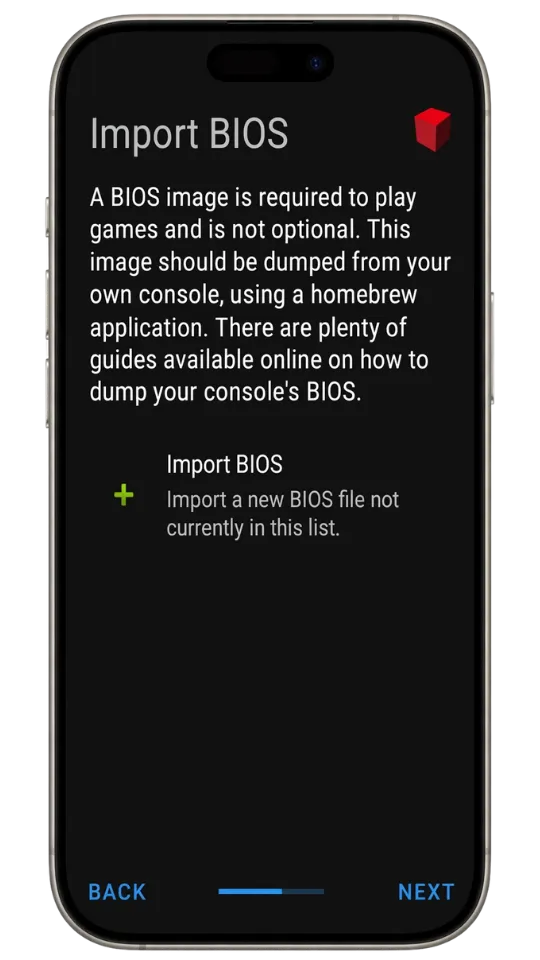
- Set Up the PS2 BIOS: NetherSX2 requires a PlayStation 2 BIOS file to function. Obtain the BIOS from your own PS2 console or another legally authorized source, then open NetherSX2 and import it through the emulator’s settings.
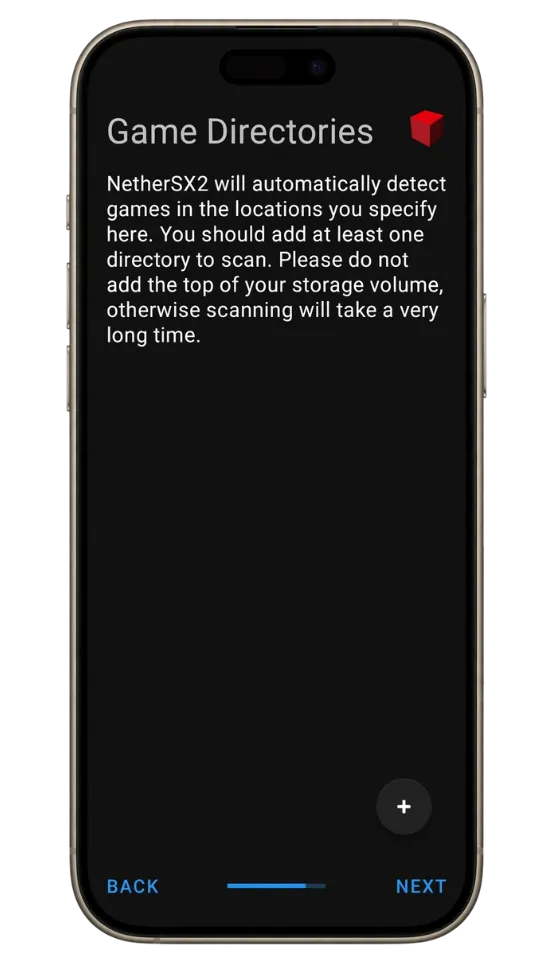
- Add Your PS2 Games: Place your legally obtained PS2 game images, such as ISO files, in a dedicated folder on your Android device. Open NetherSX2, go to the Game List, and select the folder containing your games.
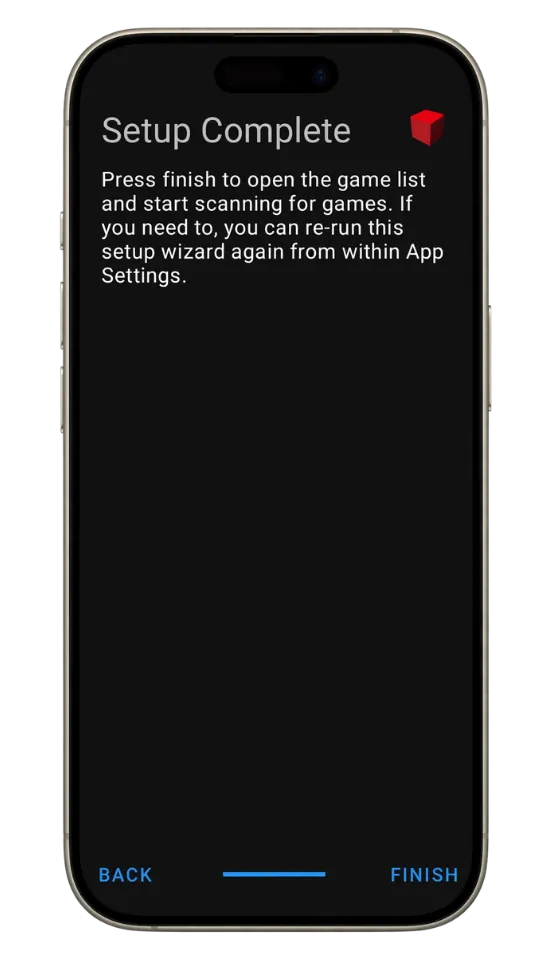
- Start Playing: Once your games appear in the Game List, select a title to launch it and begin playing.
Best NetherSX2 Settings
For the best NetherSX2 performance, use Vulkan as the renderer, set Hardware Download Mode to Disable Readbacks, use 1x–2x resolution on mid-range phones or 2x–3x on flagship phones, set Blending Accuracy to Basic, turn VSync and FXAA off, enable MTVU, Instant VU1, Fast Boot, and Threaded Presentation, and keep EE Cycle Rate and EE Cycle Skip at Normal/default. For full details about Nethersx2 Best Setting
NetherSX2 Game Compatibility
NetherSX2 is compatible with a large number of PS2 games, and most titles run well with the default settings. Performance depends on your phone’s CPU and GPU, with Adreno GPUs generally offering better performance. Some demanding games may require game-specific settings or tweaks for smoother gameplay.
Supported Game Formats
It supports common PS2 game image formats such as ISO, CHD, and BIN/CUE. ISO is the most straightforward and widely compatible option, while CHD provides lossless compression to save storage space. BIN files are typically used together with a CUE file. For the best compatibility and simplest setup, ISO or CHD are recommended.
ISO — Recommended
Recommended format with excellent compatibility and performance.
CHD
Compressed format that saves storage while maintaining good performance.
BIN/CUE
Supported disc image format, usually used with a matching CUE file.
Pros and Cons
✓ Pros
- Broad PS2 game compatibility
- Strong performance on modern Android devices
- Vulkan renderer for better performance
- Advanced graphics and resolution settings
- Customizable controller support
- Save states and memory card support
- Game-specific settings and fixes
- No advertisements
✕ Cons
- Requires a PS2 BIOS file
- Performance varies between devices
- Demanding games may need extra tweaking
- Some games can have graphical glitches
- Mali GPUs can perform worse than Adreno GPUs
- Higher resolutions require more powerful hardware
- Some settings can cause game-specific issues
- Compatibility is not perfect for every PS2 game
Common Troubleshooting
Performance Slowdowns and Lag
Games dropping below full speed (60 FPS), causing gameplay to feel sluggish, stuttery, or like it is moving in slow motion.
Heavy 3D titles (like God of War or Shadow of the Colossus) demand massive CPU and GPU power, especially if you try to upscale the resolution to 1080p or 4K on a mid-range phone.
Black Screen on Game Launch
This is the most common issue discussed on Reddit by users. Check whether you are using a valid BIOS file that matches your game’s region. Also, verifying the integrity of your game ROM files can help resolve this issue.
Graphical Glitches
Some games render effects that mobile graphics drivers (particularly Mali GPUs vs. Qualcomm Adreno GPUs) struggle to interpret accurately. Switching between Vulkan and OpenGL backends or using custom Turnip drivers is often required to fix these.
Random Crashes and Freezes
The app abruptly closes or freezes during gameplay, often right during heavy cutscenes, loading screens, or specific mission transitions.
Audio Crackling and Desync
Audio glitches almost always happen when the emulator cannot maintain a steady frame rate; when the system lags, the audio buffer stutters to catch up.
Hardware-Specific issues
Certain games that run flawlessly on Snapdragon (Adreno GPU) phones may experience severe graphical artifacts or crashes on MediaTek or Exynos (Mali GPU) processors because most mobile optimization targets Adreno architecture.
Final Words
NetherSX2 is a solid choice for Android users who want to play PlayStation 2 games on their phones or tablets. It offers strong compatibility, customizable graphics and controls, per-game settings, save states, and support for modern controllers.
However, your experience will depend heavily on your device. Less powerful phones may struggle with demanding PS2 games, while some titles may require game-specific settings to run smoothly. Adreno-powered devices generally offer better results, but compatibility is not perfect across every game.
If your Android device meets the recommended requirements and you are willing to adjust settings when needed, NetherSX2 can provide a good PS2 gaming experience without needing a dedicated console.
Overall, NetherSX2 is worth trying for Android users looking for a flexible PS2 emulator, especially on capable modern hardware.